Input Devices
Input devices receive data or instructions, convert it into binary, and then send it to be processed.
Examples: Keyboard, mouse, webcam, microphone, scanner, sensors

A keyboard allows the user to enter typed instructions

A microphone allows sounds, including voice, to be input
Processing Devices
These components receive data and instructions from input devices and storage components, then perform calculations on it.
Examples: CPU, GPU
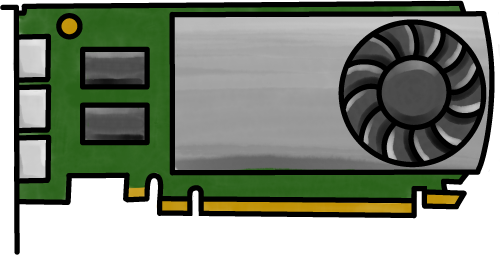
A graphics card containing a graphic processing unit (GPU)
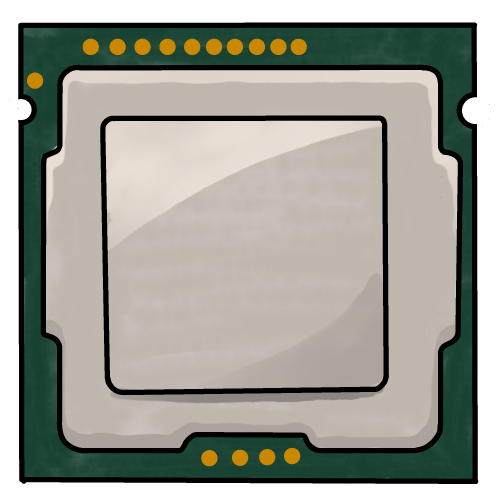
Central Processing Unit
Storage Components
Primary memory is fast – almost fast enough to keep up with the CPU. But it is low capacity and expensive.
Examples: RAM, ROM, CPU cache.
Secondary storage is much slower, but has a much larger capacity and is significantly cheaper.
Examples: hard disk drive, DVD, SSD.

RAM is an example of primary storage

A hard disk drive is a type of secondary storage device. It stores data magnetically.
Output Devices
The results of processing need to be sent to the user so we know what the computer has done.
Examples: monitor, speaker, printer, motor

A monitor is a type of output device
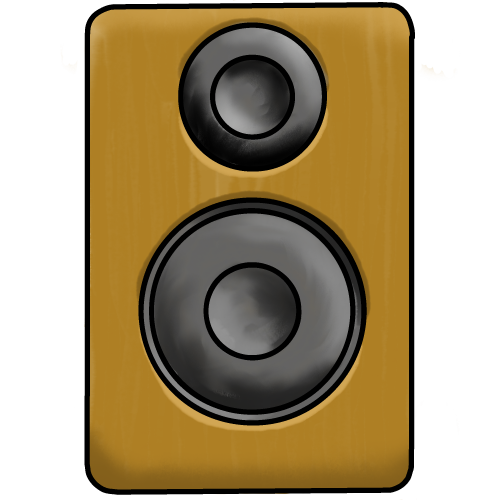
Speakers return the results of processing as audio.
Connecting it all Together

The motherboard connects all the components, distributing power from the power supply unit (PSU) or battery, and transferring data between input, processing, storage, and output devices.
The motherboard usually has USB connections, allowing external components such as the keyboard to also be powered and connected.